If provider information is missing or incomplete and your organization has decided not to process the referral, follow your local procedures.
If information is missing or incomplete in a processed referral, you can flag the issue and request an update from the referring provider based on your local process.
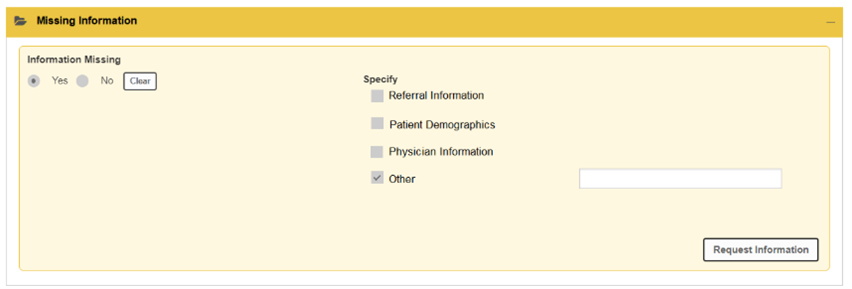
Request missing information
- Open the referral.
- Open the Missing Information accordion.
- Select the items that are missing or incomplete.
- Select the action to request information.
- Confirm or update contact details if prompted.
- Complete any mandatory fields.
- Send the request.
- The referral moves to an Information Required state until the missing details are provided and recorded in the system.